- Access all-in-one accounting software with accounts receivable and payable, purchasing, and order management
- Get real-time insights on your business’ performance with powerful reports
- Work in two different company files at once with multi-entry consolidation
Discover a powerful yet affordable enterprise solution
QuickBooks Enterprise supports the needs of growing businesses for an affordable price.

Features built to help your business
Tools to keep business on track
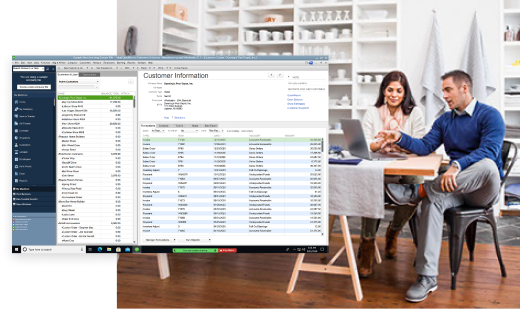
Manage inventory with ease
- Scan inventory for automatic data entry and barcode creation with Mobile Barcode Scanner
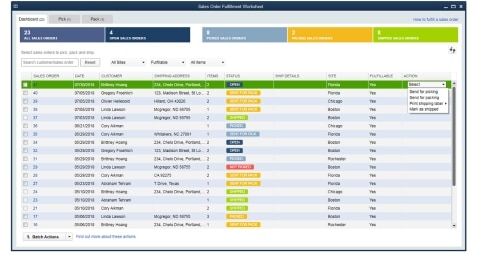
- Increase speed and accuracy in order fulfillment with Enhanced Pick, Pack, and Ship
- Easily switch between average and first in, first out costing
- Get automatic inventory updates with every invoice, sales order, and purchase order
Software that scales with your business
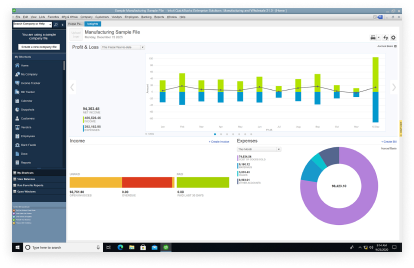
- Create custom reports based on your business’ needs
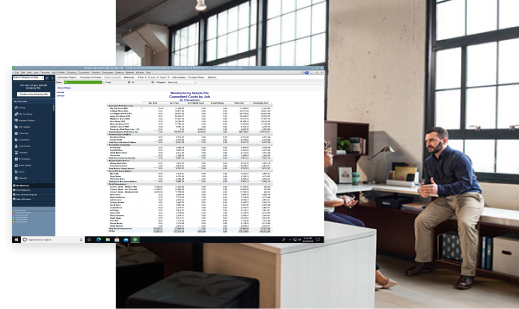
- Track income, costs, and profitability by project to see where you stand
- Securely collaborate in the cloud with Cloud Hosting
- Add up to 3 users and set specific permissions for each
It's simple to get started
- Get up and running out of the box in just 2 simple steps
- Learn the ropes with a dedicated support team
- Get demos, tutorials, and more resources at your fingertips
Get a solution tailored for your industry
Construction
- Keep your projects on budget with the ability to manage financials end-to-end
- Seamlessly move jobs from initial estimates to invoices, and track progress with ease

Manufacturing & wholesalers
- Manage inventory, manufacturing assemblies, and shipping information—all in one place
- Stay in the know about your inventory by tracking items at multiple locations

Non-profits
- Stay organized and compliant with all the information you need to manage donors, volunteers, and employees
- Gain valuable insights for fundraising campaigns with tailored reports

Retailers
- Easily manage your inventory without stepping foot in your stockroom
- Scale your QuickBooks as your business grows, with capacity for up to 30 users

Construction
- Keep your projects on budget with the ability to manage financials end-to-end
- Seamlessly move jobs from initial estimates to invoices, and track progress with ease
Manufacturing & wholesalers
- Manage inventory, manufacturing assemblies, and shipping information—all in one place
- Stay in the know about your inventory by tracking items at multiple locations
Non-profits
- Stay organized and compliant with all the information you need to manage donors, volunteers, and employees
- Gain valuable insights for fundraising campaigns with tailored reports
Retailers
- Easily manage your inventory without stepping foot in your stockroom
- Scale your QuickBooks as your business grows, with capacity for up to 30 users
What’s new in 2022
Here are some new additions and upgrades to help you organize your books.
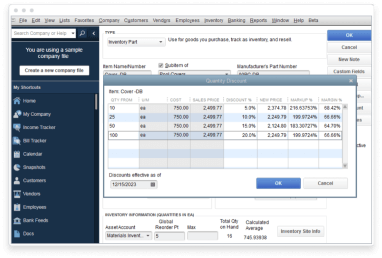
Mobile Barcode Scanner
Enjoy automatic data entry when you scan your inventory—QuickBooks will even create barcodes for you if they don’t exist yet.
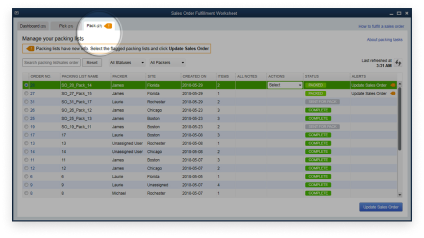
Enhanced Pick, Pack, and Ship
Manage your wholesales order fulfillment system from one easy-to-use dashboard. Mark orders to pick, pack, or ship with just one click.
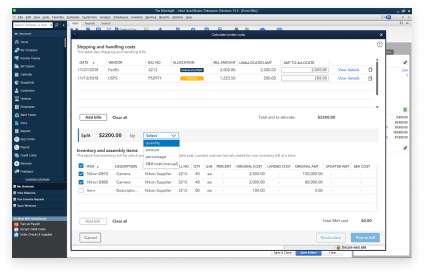
Landed Cost
Get greater visibility into product costs by factoring in freight, duties, insurance, and more, by quantity, value weight, or volume.
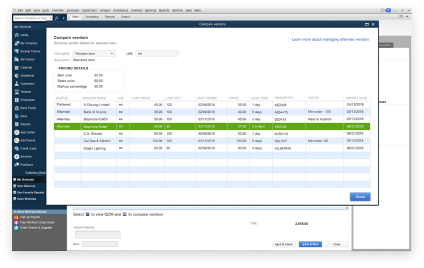
Multiple Preferred Vendors
Get peace of mind with increased visibility into vendor contacts, items, and pricing info.
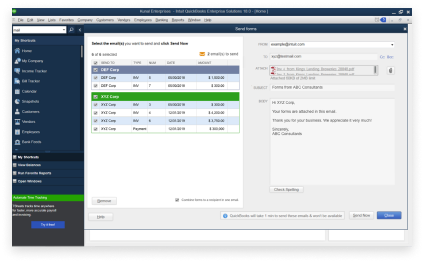
Combine Invoices
Simplify customer payment processing by consolidating multiple invoices into just one email.
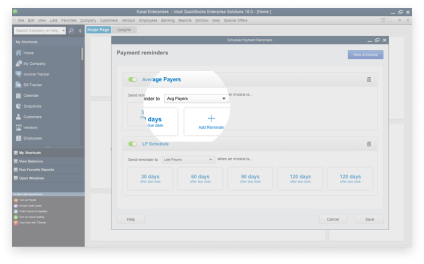
Automated Payment Reminders
Easily set reminders for customers when their invoices are due and get paid faster.
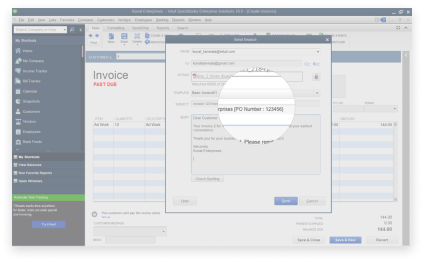
Include PO number in Invoice Emails
Save your customers time and facilitate quicker payments by adding PO numbers to email subject lines within QuickBooks.
Mobile Barcode Scanner
Enjoy automatic data entry when you scan your inventory—QuickBooks will even create barcodes for you if they don’t exist yet.
Enhanced Pick, Pack, and Ship
Manage your wholesales order fulfillment system from one easy-to-use dashboard. Mark orders to pick, pack, or ship with just one click.
Landed Cost
Get greater visibility into product costs by factoring in freight, duties, insurance, and more, by quantity, value weight, or volume.
Multiple Preferred Vendors
Get peace of mind with increased visibility into vendor contacts, items, and pricing info.
Combine Invoices
Simplify customer payment processing by consolidating multiple invoices into just one email.
Automated Payment Reminders
Easily set reminders for customers when their invoices are due and get paid faster.
Include PO number in Invoice Emails
Save your customers time and facilitate quicker payments by adding PO numbers to email subject lines within QuickBooks.
Customize your Enterprise package
Need help choosing the best solution for your business? Contact our QuickBooks experts at 1-866-935-7237.
See what QuickBooks Enterprise customers are saying
We started with QuickBooks Pro and had a demonstration on QuickBooks Enterprise. They took us through the platform, and we saw how beneficial it is to our business.
Our decision to upgrade to QuickBooks Enterprise was the natural next step for our business.
Helpful resources about QuickBooks Enterprise


Frequently Asked Questions
Call Sales: 1-888-829-8589




